Contacts & Comms
Tags: Product, Relationships, CRM
If you read a few books written by or written about peak performers — athletes, business titans, politicians, people in the military, entertainers, etc — you'll be struck with how much detail there often is in their narratives about conversations they've had with other people that happened a long time ago.
They can't either. It's not that their memory is superhuman. It's that they have a system where they noted the details of the communications they've had while each was still fresh.
With HQ, now you have such a system too.
Context Matters
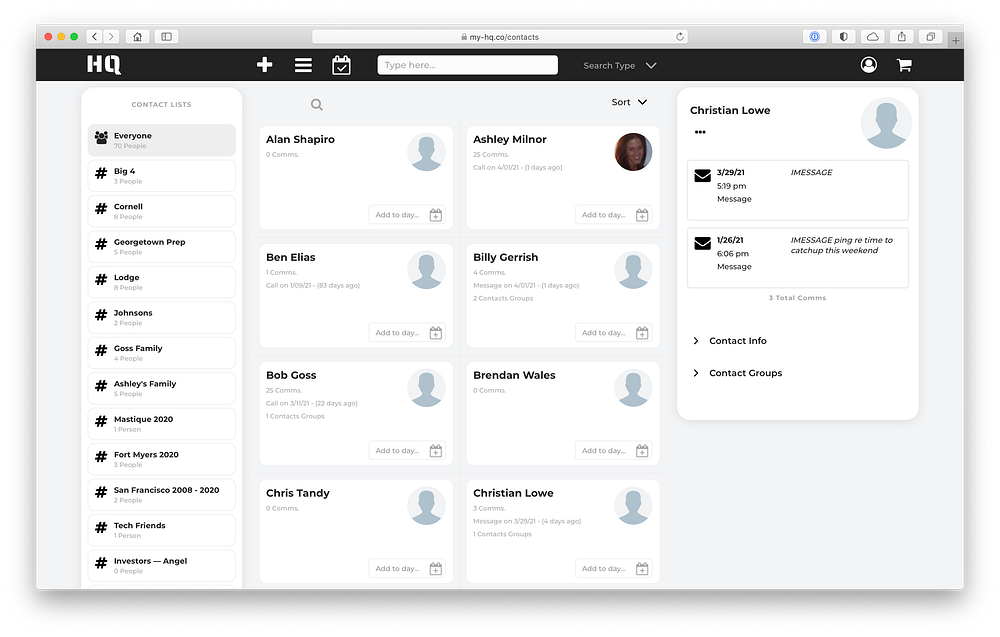
HQ lets you keep track of your contacts, and log the communications you've had with them — and it's easy! When you hang up the phone with someone or send them an email or a text, take 30 seconds to log the communication.
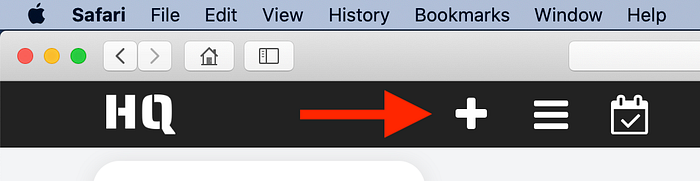
Click the plus button at the top of the page.
Then select People > Comm, and enter in some info about the communication you just had.
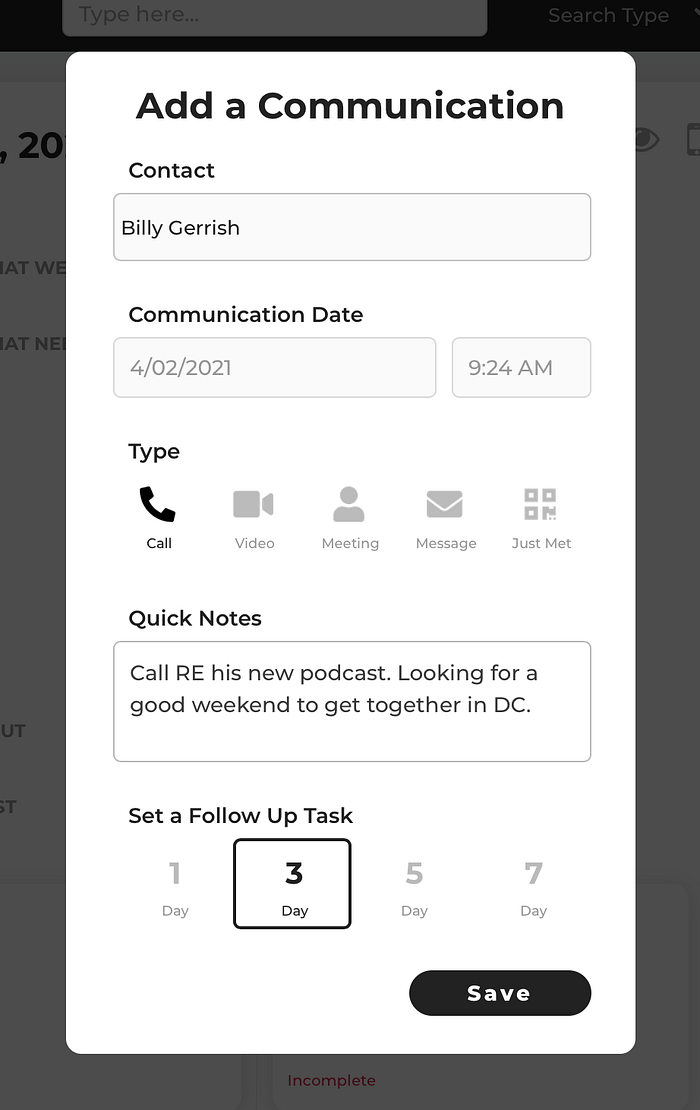
In my testing, this generally takes about 30 seconds or less to do, and you can do it from any page in HQ.
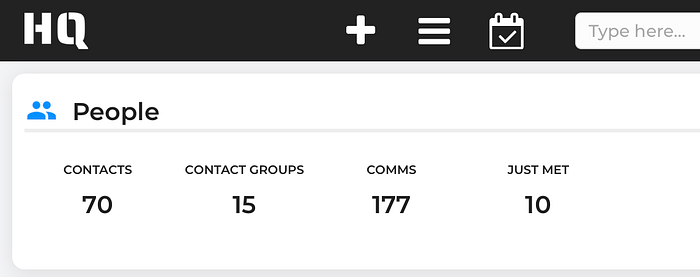
Isn't this just CRM?
Your personal contacts are NOT customers. We don't need CRM complexity and we certainly don't need CRM prices! What we need is a simple system for logging an interaction with a contact, and that system needs to automatically interoperate with all the other things we're doing.
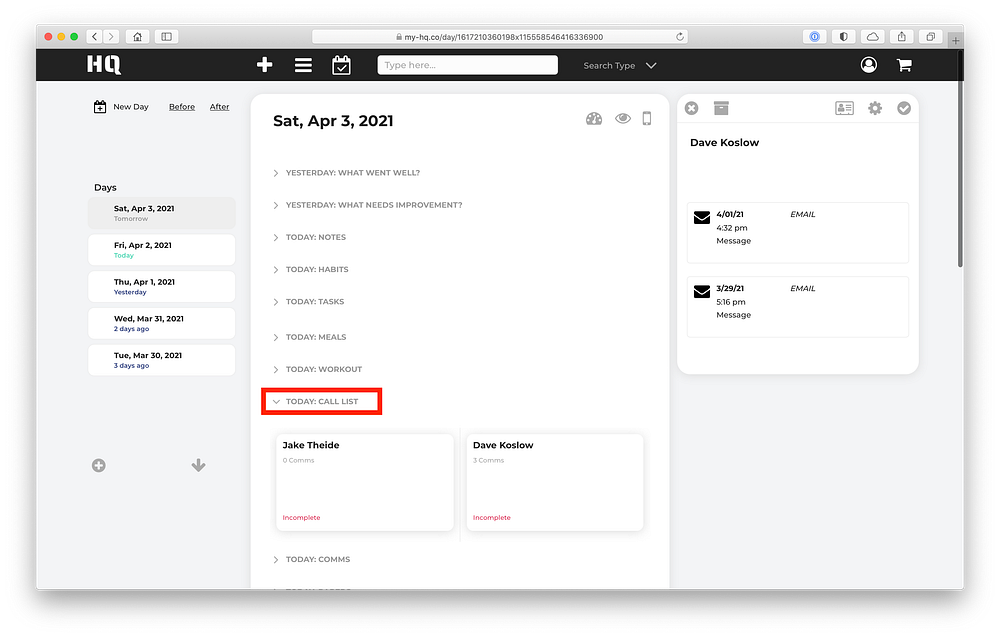
Who's on your call list?
On HQ, you add a contact to your daily call list. How easy is it? It takes exactly two (2) clicks to add someone to your call list!
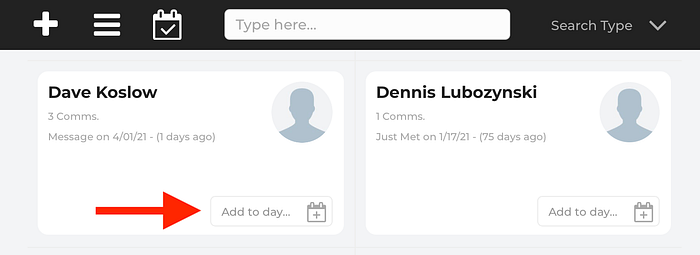
On any contact card, click "Add to day…" When you do, a window will pop up where you can choose the day you want to plan to get in touch with this person.

Choose a day, and the person shows up on the Day Page for that day. Simple!