Your Day
Tags: Product, Productivity, Design
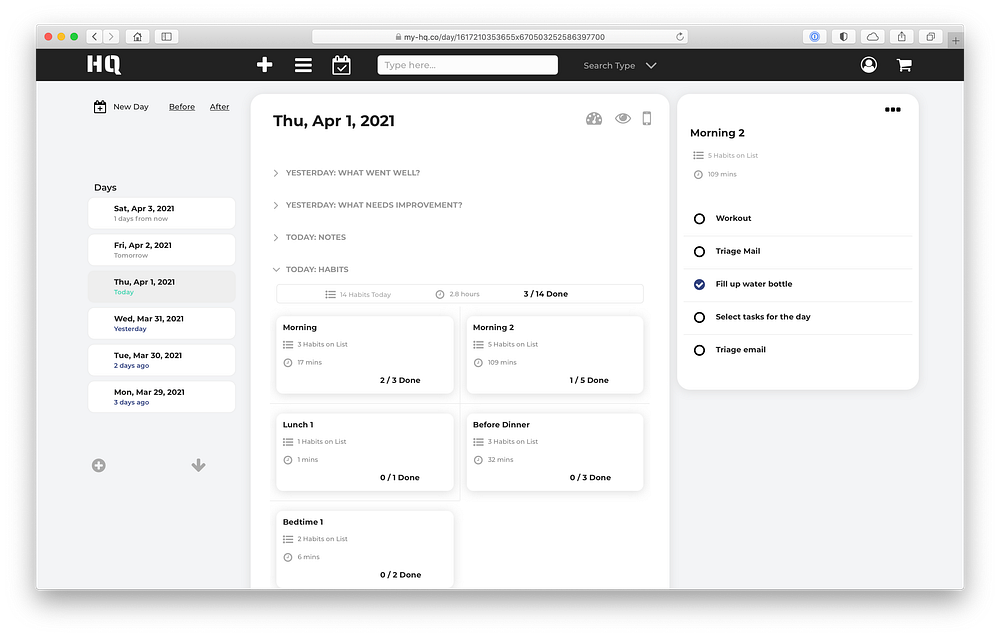
The centerpiece of HQ is the Day. The goal here was to build a page that a user could use just like a daily journal, but in a digital form.
Sort of like this, but digital.
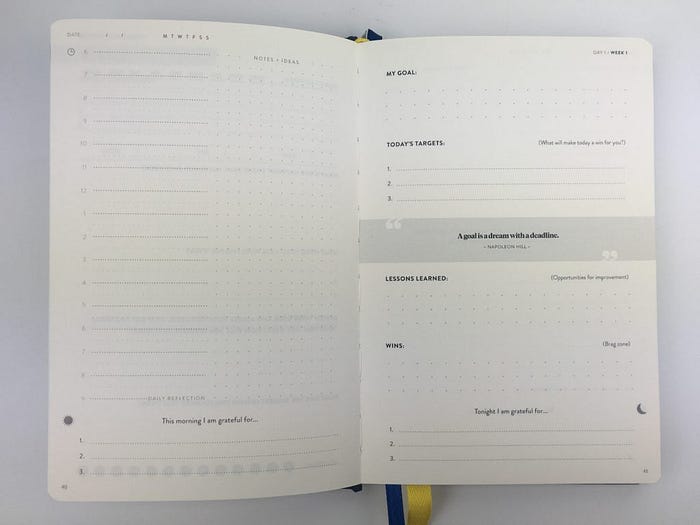
Physical journals are great, and many people use them for a variety of purposes. Some have sections with prompts to guide the user and provide structure, while others are free form with either dots or lines or even blank paper.
The Day Page
The goal with the Day page in HQ is to recreate the best parts of the physical journal, but in a digital form. The center column has prompts for what should go in your journal today, while the left sidebar has tabs to quickly jump around to other days.

Day Page Sections
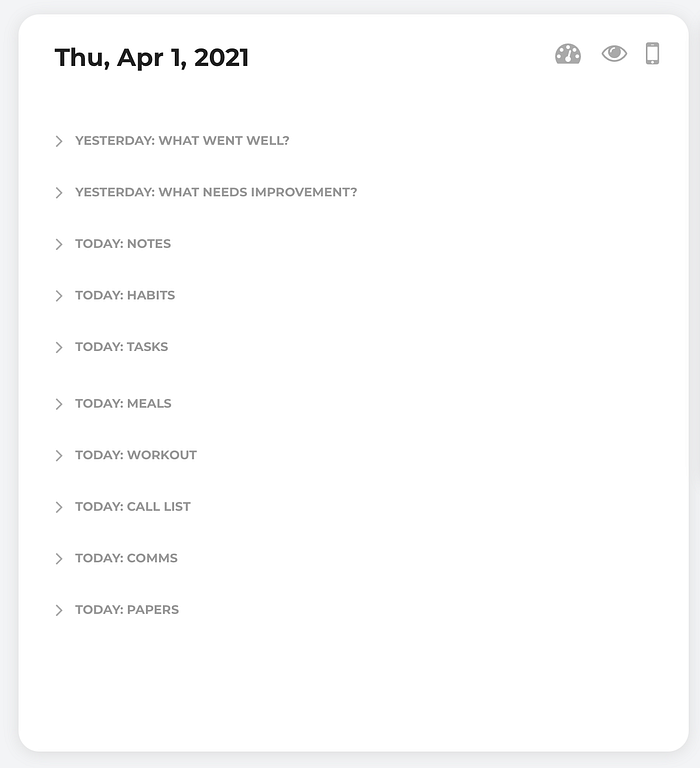
Each day has various sections that allow for text input or that connect to other activities done throughout HQ. For privacy and ease of viewing, each section is closed when you first load the page, but clicking on any one section will reveal its contents.
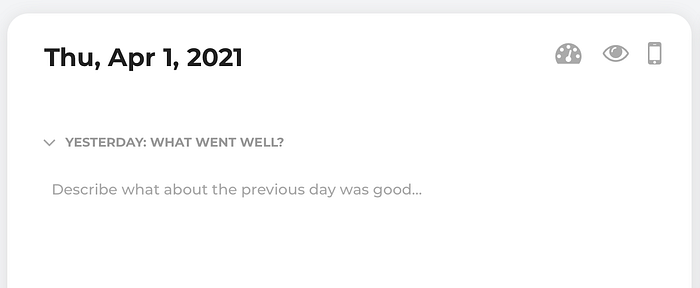
Free Form Text
In some sections, there is a space to write something, just like you would in a physical journal.
Linked Records
This is an important point. Traditional journaling or todo list software allows us to write ideas and to list things we want to do, but we can only create text. There's no concept of linking from one thing to another thing, which itself has its own structure and more data.

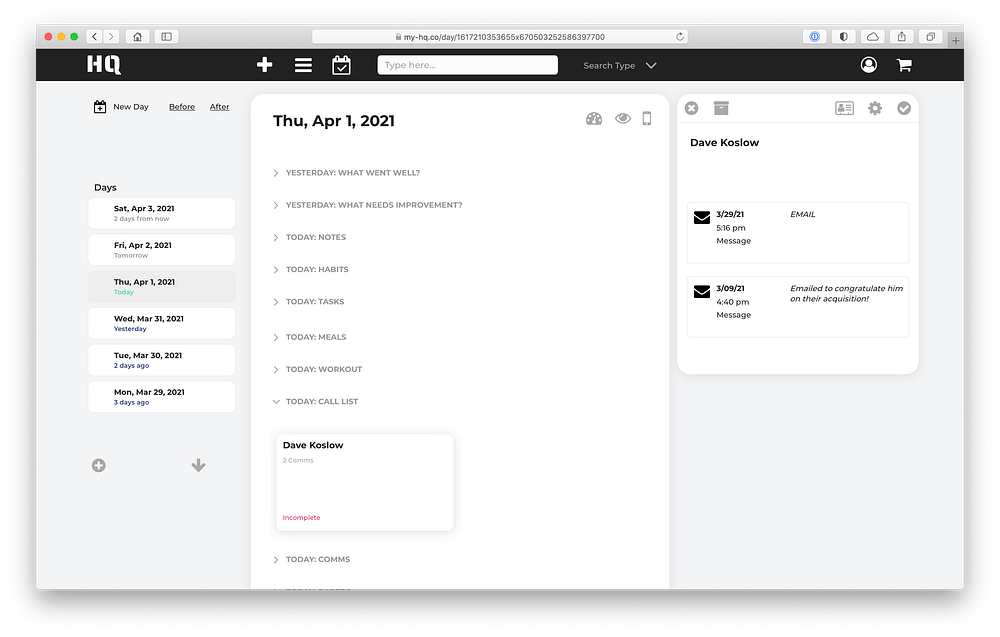
HQ is different. It shows the user linked records from other sections of the app, and provides important context on that thing. For example in a traditional ToDo list I could write down the task "Call Dave Koslow" but this task doesn't provide me any context, such as when did I last speak with Dave and what did we discuss?
Linked records solve this problem. When I click on a linked record, HQ shows me additional information about that thing in the right sidebar.
Right Sidebar
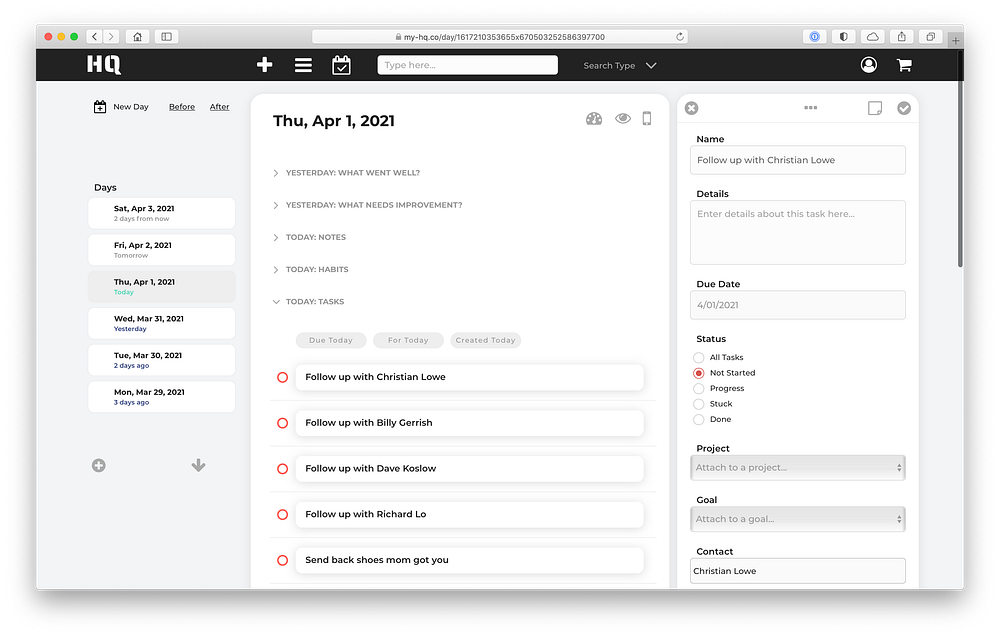
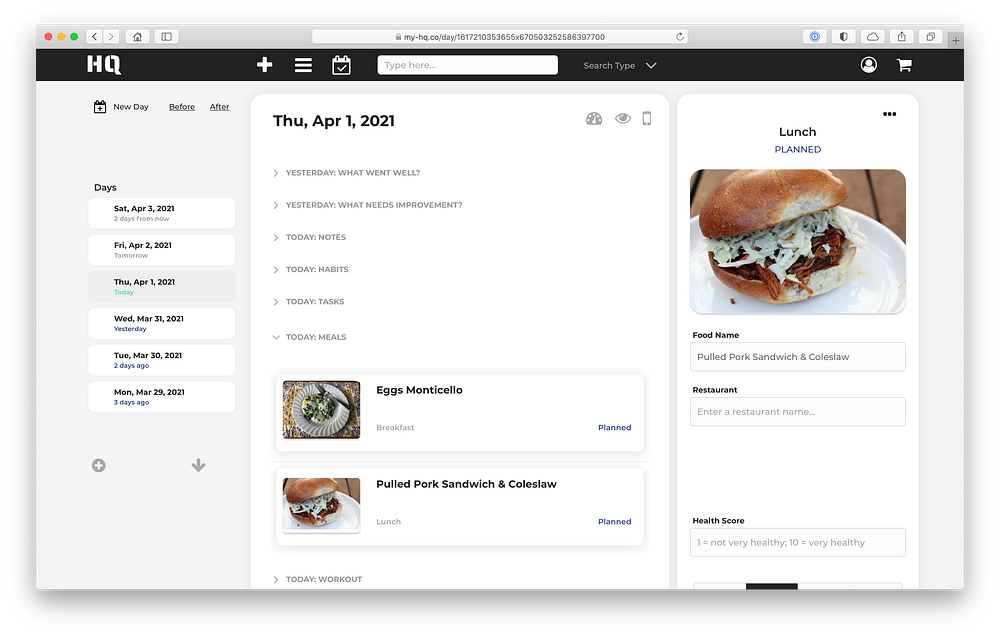
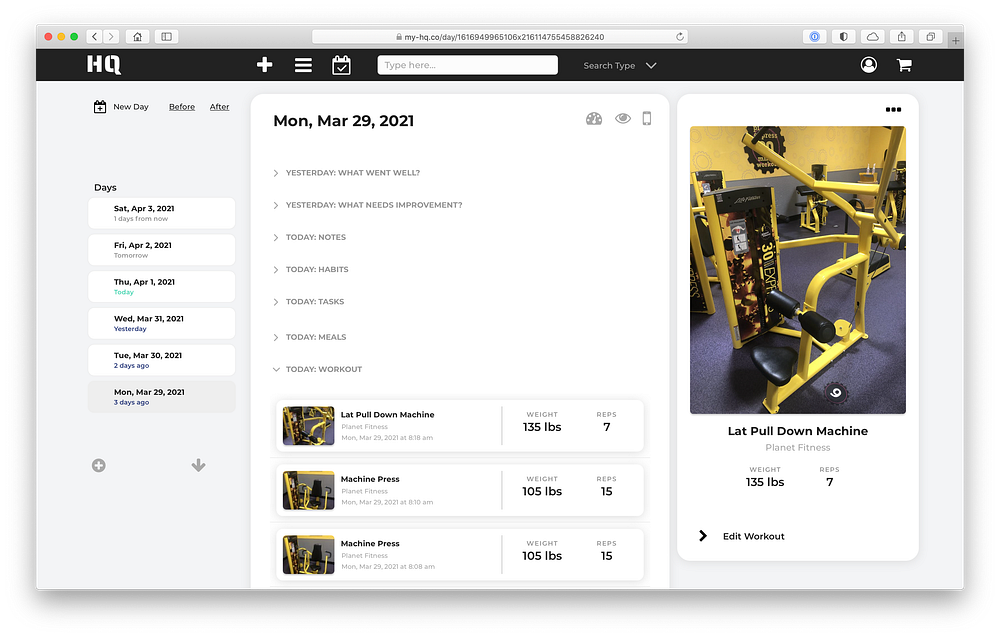
The right sidebar displays data from linked records not only for contacts, but for other data types across HQ as well:
Paper Notes
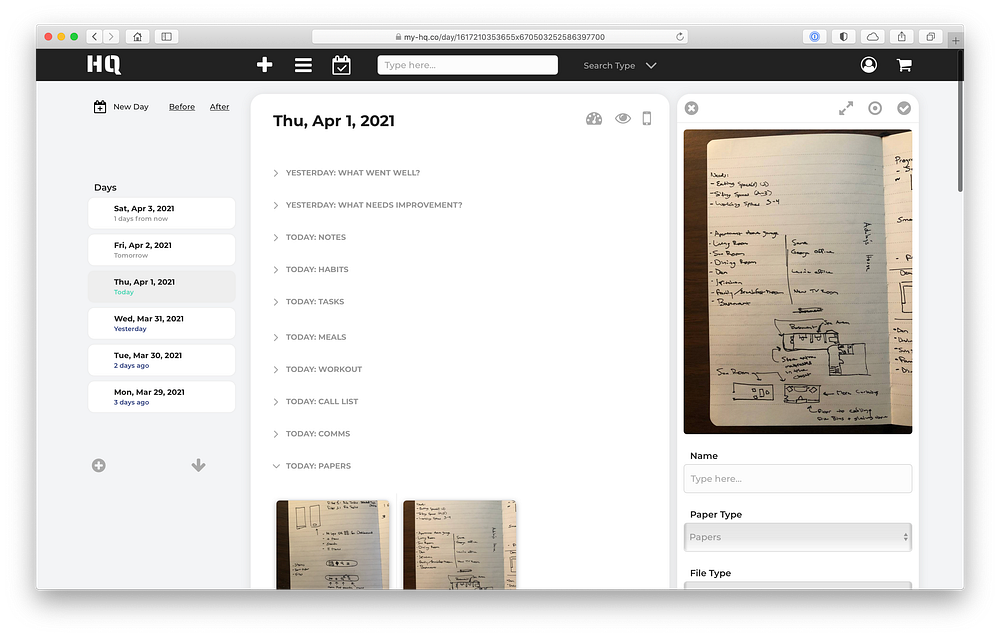
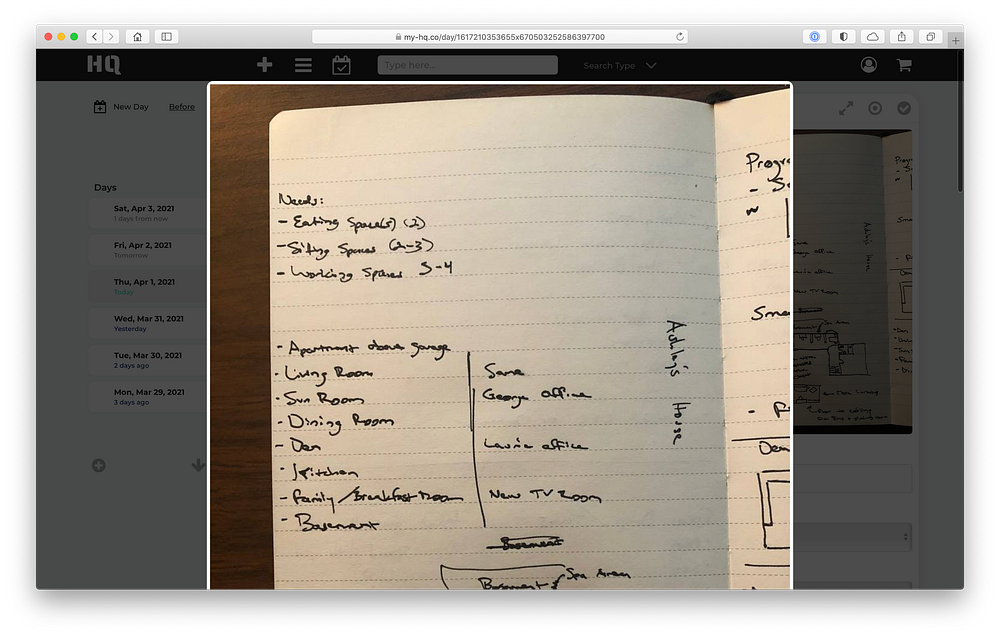
No matter how much our world moves to digital, there are certain things where analog tools such as pen and paper are just better. For HQ users, it's not an either/or, it's a "yes" to both. Users can simply take a picture of a paper and add it to their day.
Metrics
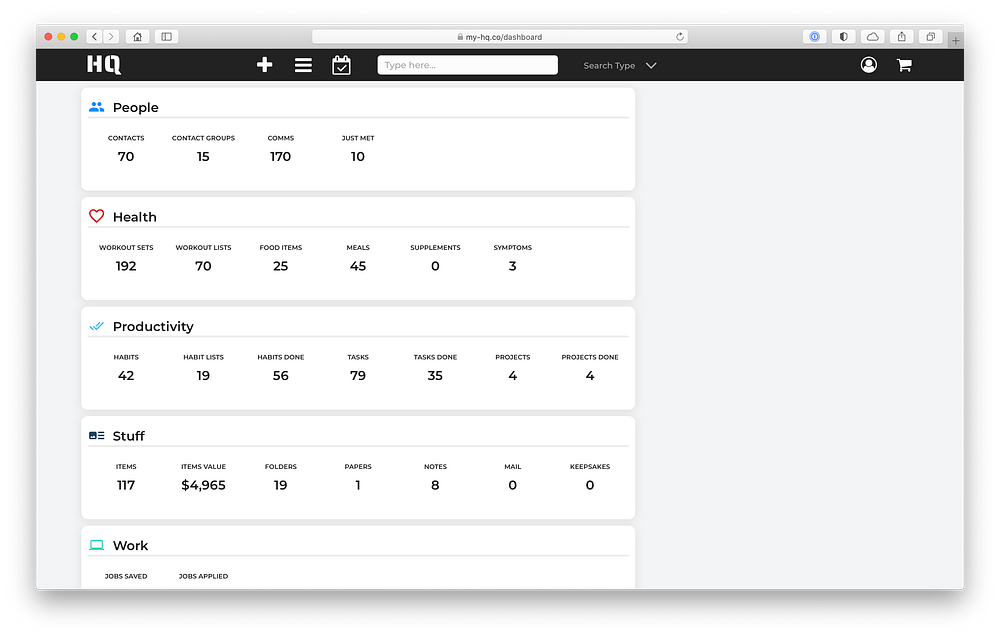
As a person goes about their day, HQ tracks these activities automatically as you interact with the app.
Summary
The design objective of the Day page is to have a single representation of all of a person's daily activities. It needs to be powerful but not visually overwhelming, scannable, and serve as both a planning tool and a historical artifact. To be truly transformative, HQ needs to help a person actually be better.